Petsitter sits between the tools you already use
and the AI provider they talk to.
Everything passes through here on its way out, and again on its way back. Your tools don’t need to know it’s there, and nothing about the way you work has to change. Three short steps get it running.
Use your tool as normal, or send a message from Try it, and watch each request show up.
None of it is on until you turn it on, and you can take it back out whenever you like — point your tool back where it was and it’s as if petsitter had never been here.
Every request and every reply, as it happens. Most of the time you’ll never think about this — right up until something behaves oddly and you’d really like to look.
Watch it liveSome models are shaky at tool calling, or hand back JSON that doesn’t quite parse. That can be smoothed over in the middle, without changing your tools or finding a bigger model.
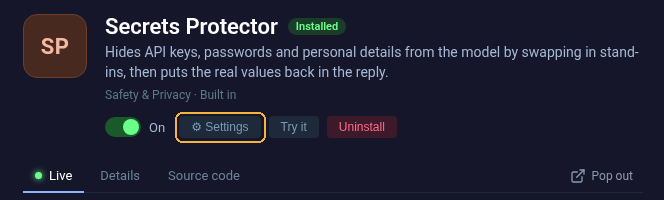
See what’s availableAPI keys and personal details can be taken out of a message before it ever leaves your machine, and put back in the reply.
See what’s availableA channel gives an app its own set of extensions. Requests from the apps (or models) it matches run through that channel’s extensions, and everything else carries on exactly as before.
Petsitter is a proxy to your provider. This is where you set where the traffic goes.
Pick a provider, paste your key, and petsitter asks it which models it has. The list comes straight from the provider, so it’s never out of date. Providers marked models only can’t take requests directly, but a gateway like OpenRouter reaches those too.
In your tool, pick the OpenAI compatible or local provider and paste this.
Tools that only read an environment variable:
Put a provider after /use/ and your tool talks to it with its own key and model, through your extensions. The model set up here isn't used, so Claude Code can talk to Claude while Codex talks to OpenAI.
Some tools change what they send depending on the URL they're given. /ignore/<word>/ puts a word in the URL that petsitter then drops, so everything else works as if it weren't there.
Open WebUI only says who it is (X-Title: Open WebUI) when its URL contains openrouter.ai. Give it this and it shows up by name in Discovered programs, so a channel can match it:
Requests to this base URL go straight to your provider, like a traditional proxy. Useful for easy model rerouting and secrets management.
Looking for an extension's settings? They're on the extension itself: open a channel, pick the extension, and use its ⚙ Settings button. A channel's logging and models are on that channel's Settings tab.